Choosing between two similarly priced FDM 3D printers comes down to workflow: do you want a straightforward start with a removable PEI plate, or do you prefer explicit speed, auto leveling, and more named slicer options? The two FLASHFORGE AD5X versions share multi-color printing, FDM technology, a heated build plate, resume printing, touchscreen controls, and Ethernet, USB 2.0, and Wi-Fi interfaces. Their listed price is also identical at $349, so the decision rests on the differences in setup, software, and controls.
Quick verdict
Choose the FLASHFORGE 3D Printer AD5X Multi-Color IFS Auto Refill High Speed Printing US if quick setup, the flexible removable PEI steel plate, and the Flashforge-focused software suite fit your routine. Its listed 220 × 220 × 220 mm print space gives a clear planning point for model size.
Choose the FLASHFORGE AD5X Multi-Color 3D Printer Max 600mm/s Print Auto Leveling Core XY if 1-click auto leveling, the stated 600mm/s maximum, and compatibility with FlashPrint, Prusa Slicer, Cura, and Orca Slicer matter more.
At a glance
| Comparison | AD5X IFS Auto Refill | AD5X Max 600mm/s |
|---|---|---|
| Listed price | $349 | $349 |
| Color printing | Up to 4 colors | Up to 4 colors |
| Workflow focus | Quick setup, removable flexible PEI steel plate | 1-click auto leveling, adjustable print speed |
| Software listed | Orca-Flashforge, Flash Maker, Flash Studio | FlashPrint, Prusa Slicer, Cura, Orca Slicer |
Where each product wins
- AD5X IFS Auto Refill: The clearer fit for a first project is its stated setup time of 10 minutes or less, along with a flexible removable PEI steel plate and a 220 mm cubed print space.
- AD5X Max 600mm/s: The stronger match for a speed-focused workflow is its explicit 600mm/s maximum, Core XY structure, 1-click auto leveling, and 300°C direct-drive extruder.
Product notes
FLASHFORGE 3D Printer AD5X Multi-Color IFS Auto Refill High Speed Printing US
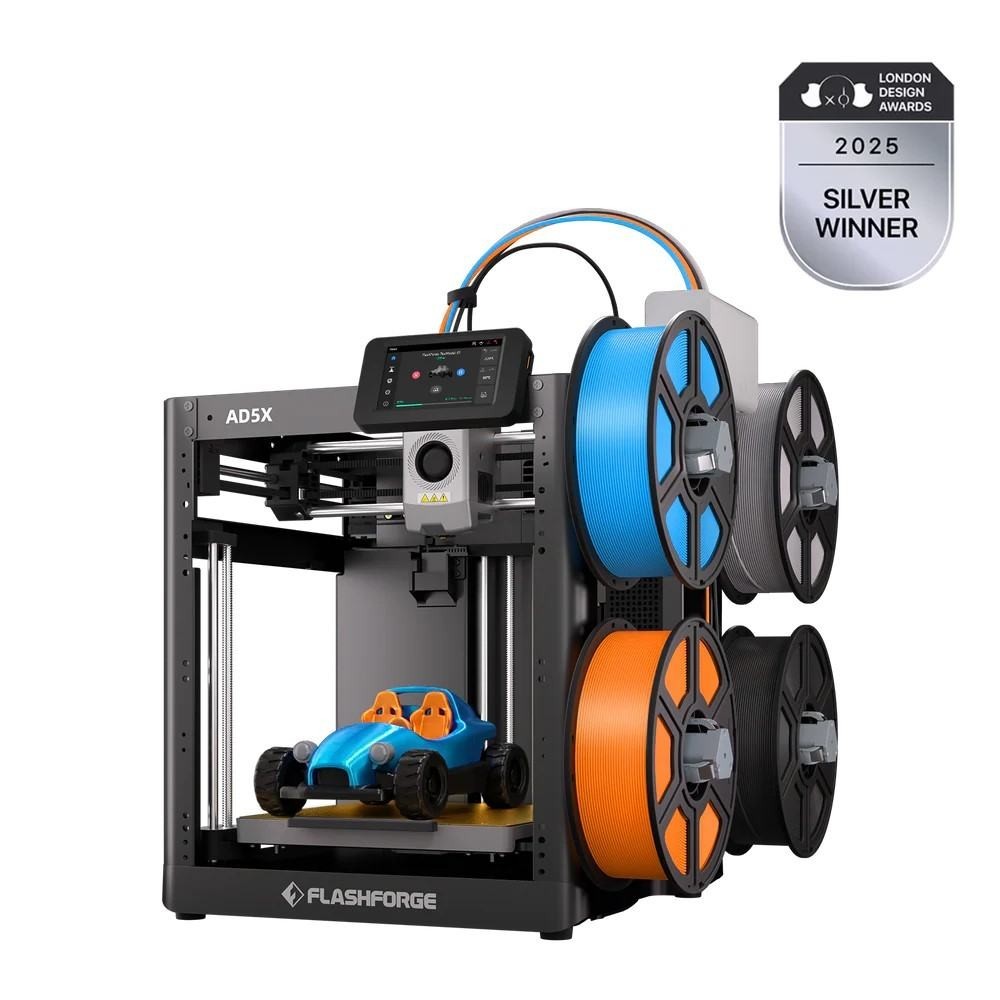
The IFS model makes a practical case for shoppers who want a more approachable starting routine. Its description specifies setup in 10 minutes or less without prior experience, while the flexible removable PEI steel plate gives the print surface a clearly defined role in the workflow. The listed 220 × 220 × 220 mm space is useful for planning models before slicing, and the direct-drive extruder with tool-free nozzle changes adds another hands-on convenience. The tradeoff is that the stated build volume sets a boundary for projects requiring more than 220 mm in any listed dimension. Its software choices are centered on Orca-Flashforge, Flash Maker, and Flash Studio, so shoppers seeking the broader slicer list should look at the other AD5X.
FLASHFORGE AD5X Multi-Color 3D Printer Max 600mm/s Print Auto Leveling Core XY
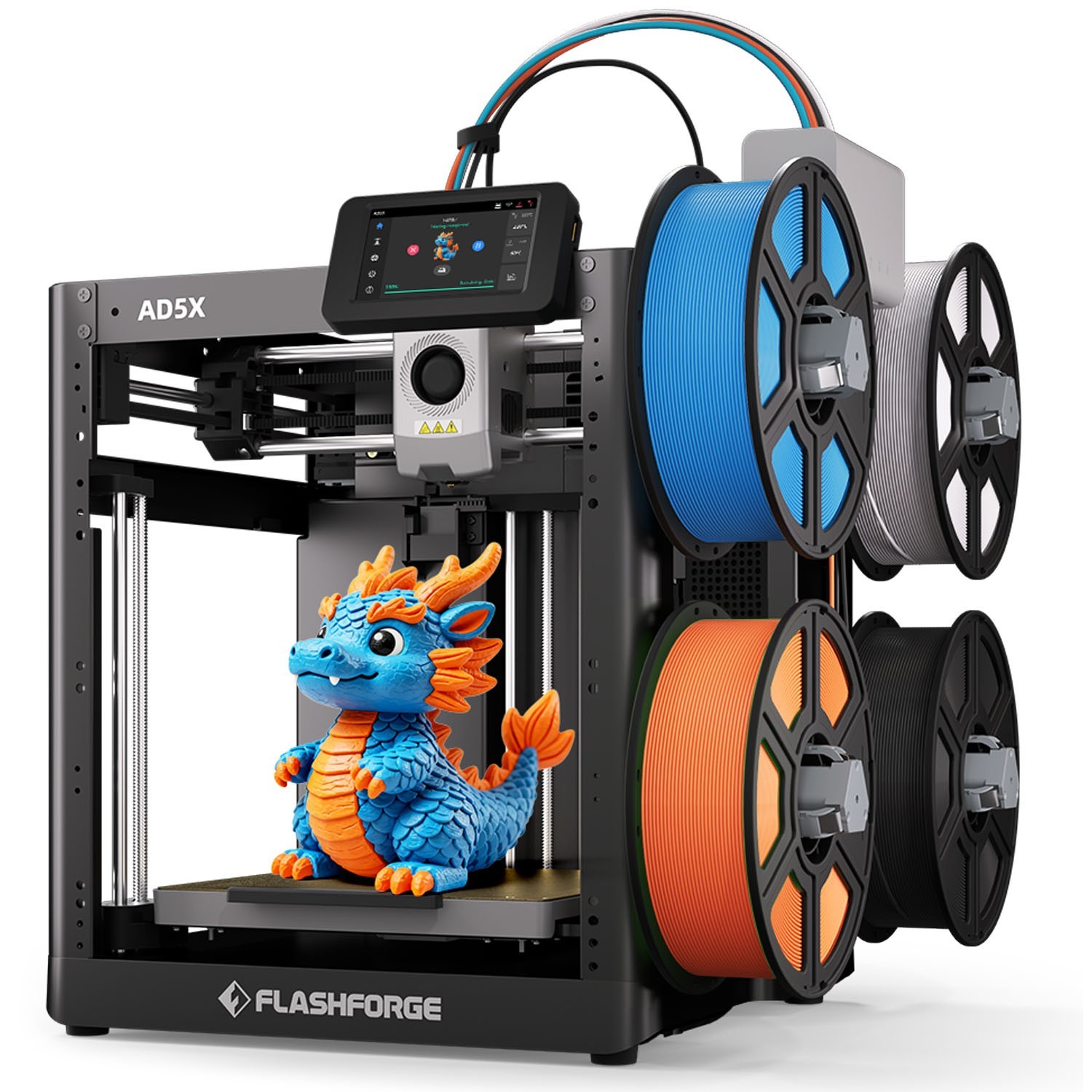
This version is aimed at shoppers who want more explicit automation and speed controls in the specification. Its 1-click auto leveling can simplify bed calibration, while the listed 600mm/s maximum and 20,000mm/s² acceleration identify a speed-oriented setup. The 300°C direct-drive extruder, dual-channel fan, vibration compensation, and support for FlashPrint, Prusa Slicer, Cura, and Orca Slicer broaden the workflow described for it. The limitation is financial rather than feature-based: at $349, it matches the IFS model instead of creating a price-based reason to choose it. Its DIY Kit designation also makes the setup profile worth weighing alongside the automation features.
Final choice by use case
- For a first FDM 3D printer: Choose the IFS Auto Refill model if its 10-minutes-or-less setup promise and Flashforge software suite match your needs.
- For slicer flexibility: Choose the Max 600mm/s model because its listed software includes FlashPrint, Prusa Slicer, Cura, and Orca Slicer.
- For larger planned models: The IFS model gives you a specific 220 × 220 × 220 mm build volume to work within.
- For speed and calibration controls: The Max 600mm/s model is the more direct fit, with its stated 600mm/s maximum and 1-click auto leveling.
At the same $349 price, neither has a listed cost advantage. The IFS version is the more straightforward choice for setup and print-surface handling, while the Max 600mm/s version is better aligned with shoppers prioritizing automation, slicer choice, and explicit speed controls.